
Your whole Bitcoin life. One window.
Money, bMail, chat rooms, Spaces, bApps and Agent b, side by side on a big screen. No app store, no download. Open it and it’s your wallet.
Chrome, Edge and Safari · your keys stay encrypted in your browser
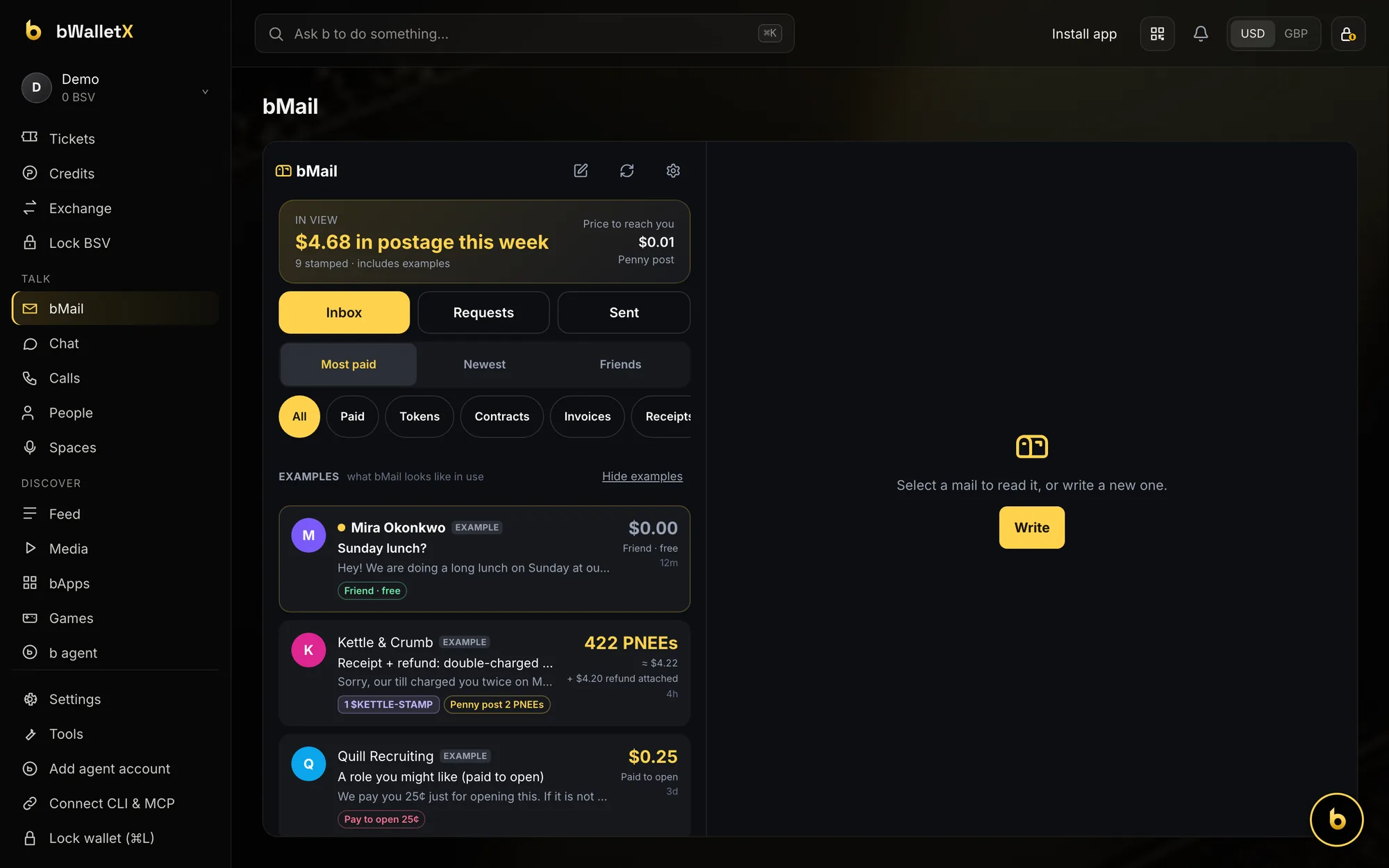
Money
Send, receive and mint, at full size.
Your balance, the BSV price chart and your full history on one screen. Send, Receive and Mint are a click away, the same wallet you carry on your phone.
- Wallet, NFTs, Friends, Tickets, Credits, Exchange and Lock BSV in the sidebar
- Show amounts in USD or GBP from the top bar
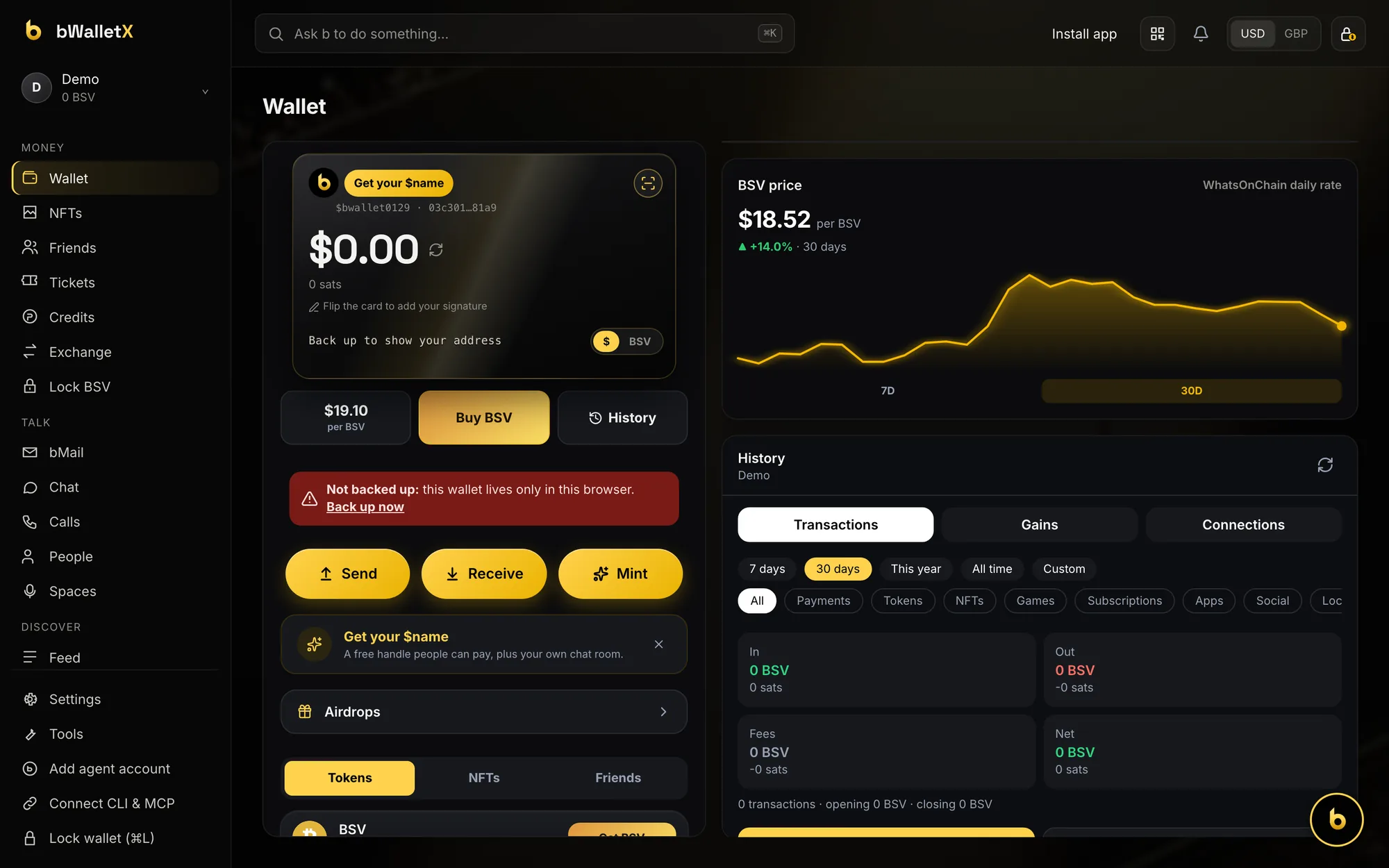
bMail
Mail that pays its own postage.
Every tokenised letter in one inbox. Sort by Most paid, see what it cost to reach you, and keep spam out because sending costs something.
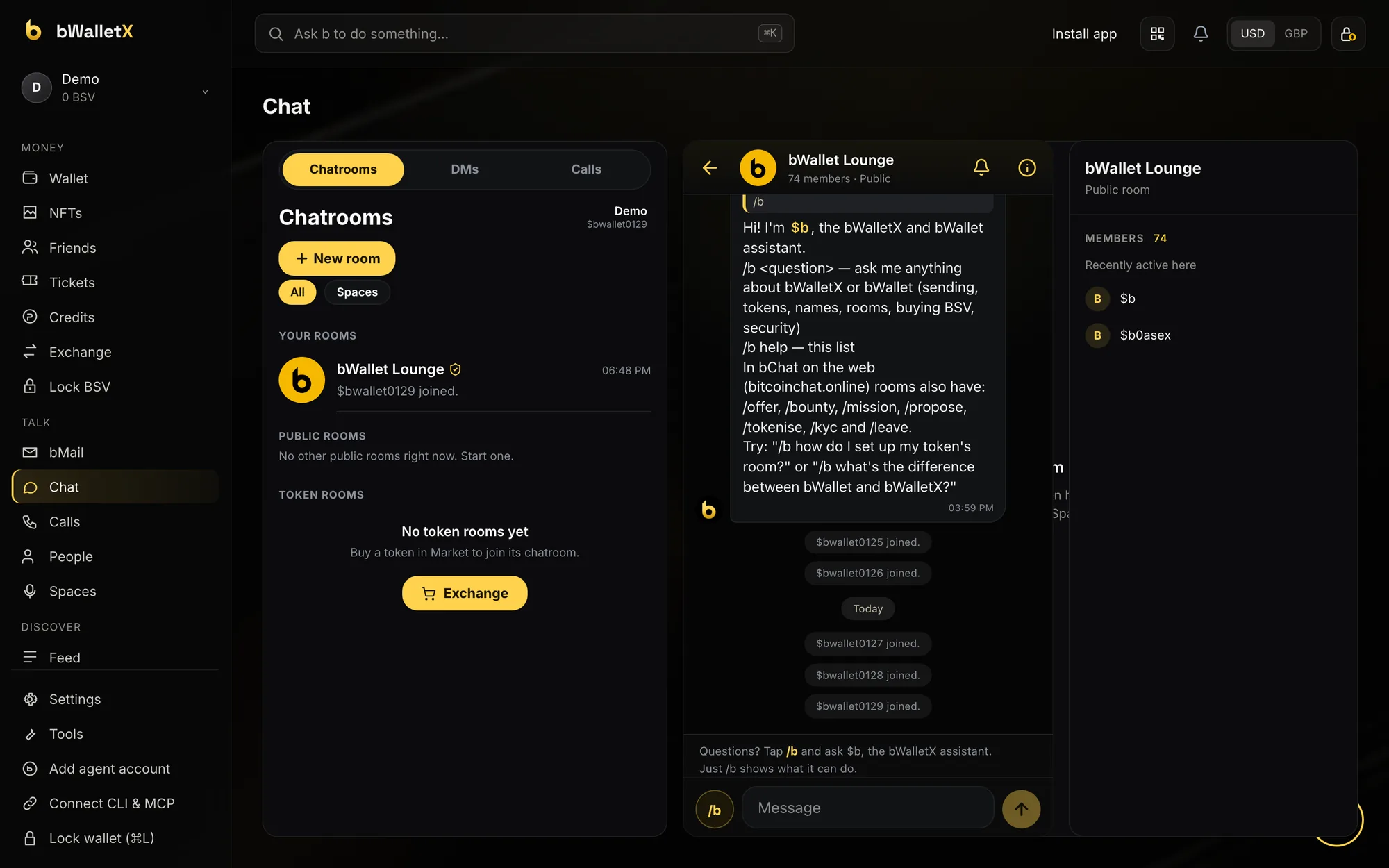
Chat & Spaces
Your rooms, right next to your money.
Chatrooms, DMs and calls in one panel, with the room’s members beside the conversation. Token rooms and live Spaces sit in the same sidebar under Talk.
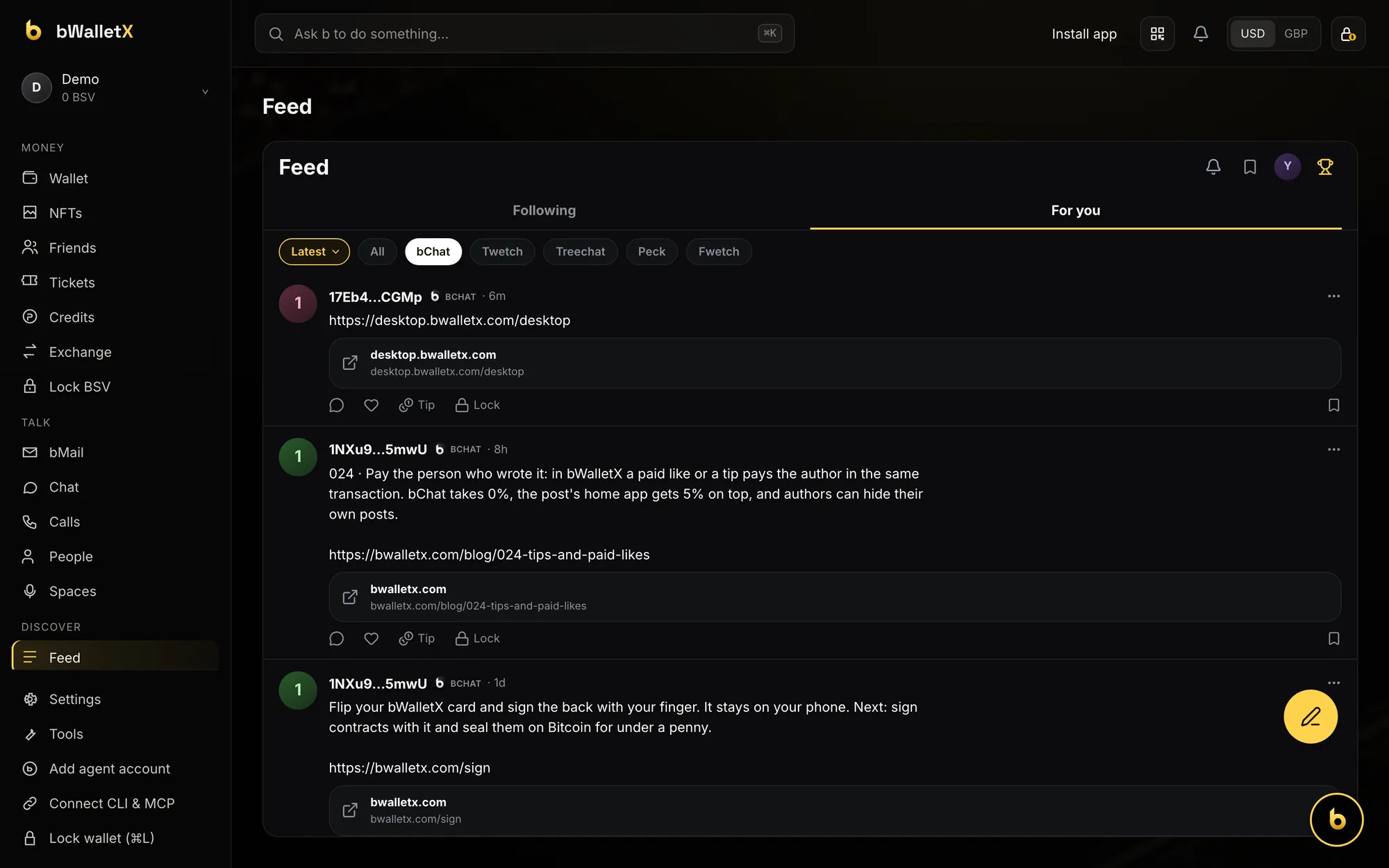
Feed & bApps
The open BSV feed, and apps that run inside your wallet.
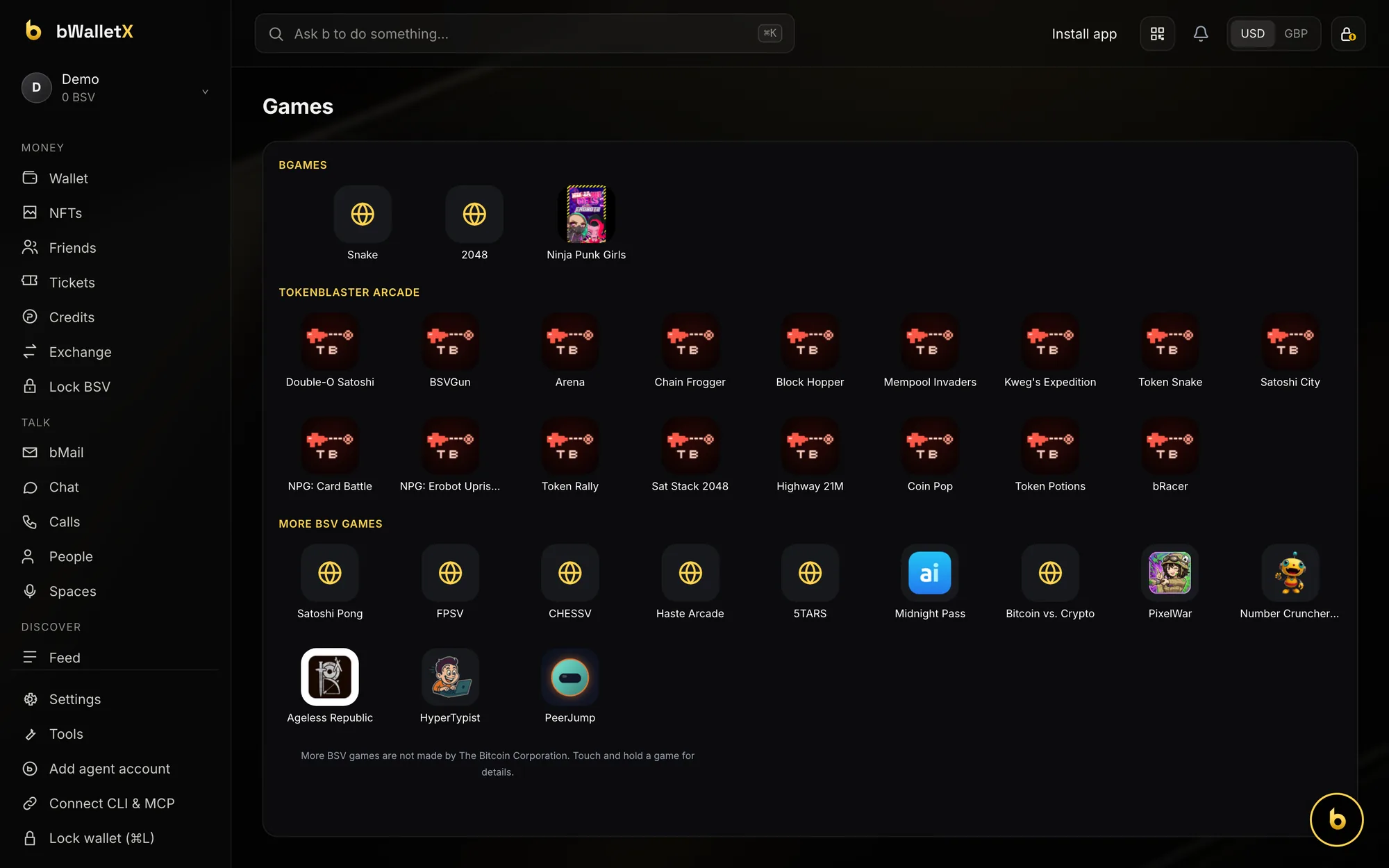
Feed pulls posts from bChat and other BSV micro-blogs into one timeline, with Tip and Lock on every post. bApps and Games open inside the wallet, signed in, paying from the same balance.
Agent b · ⌘K
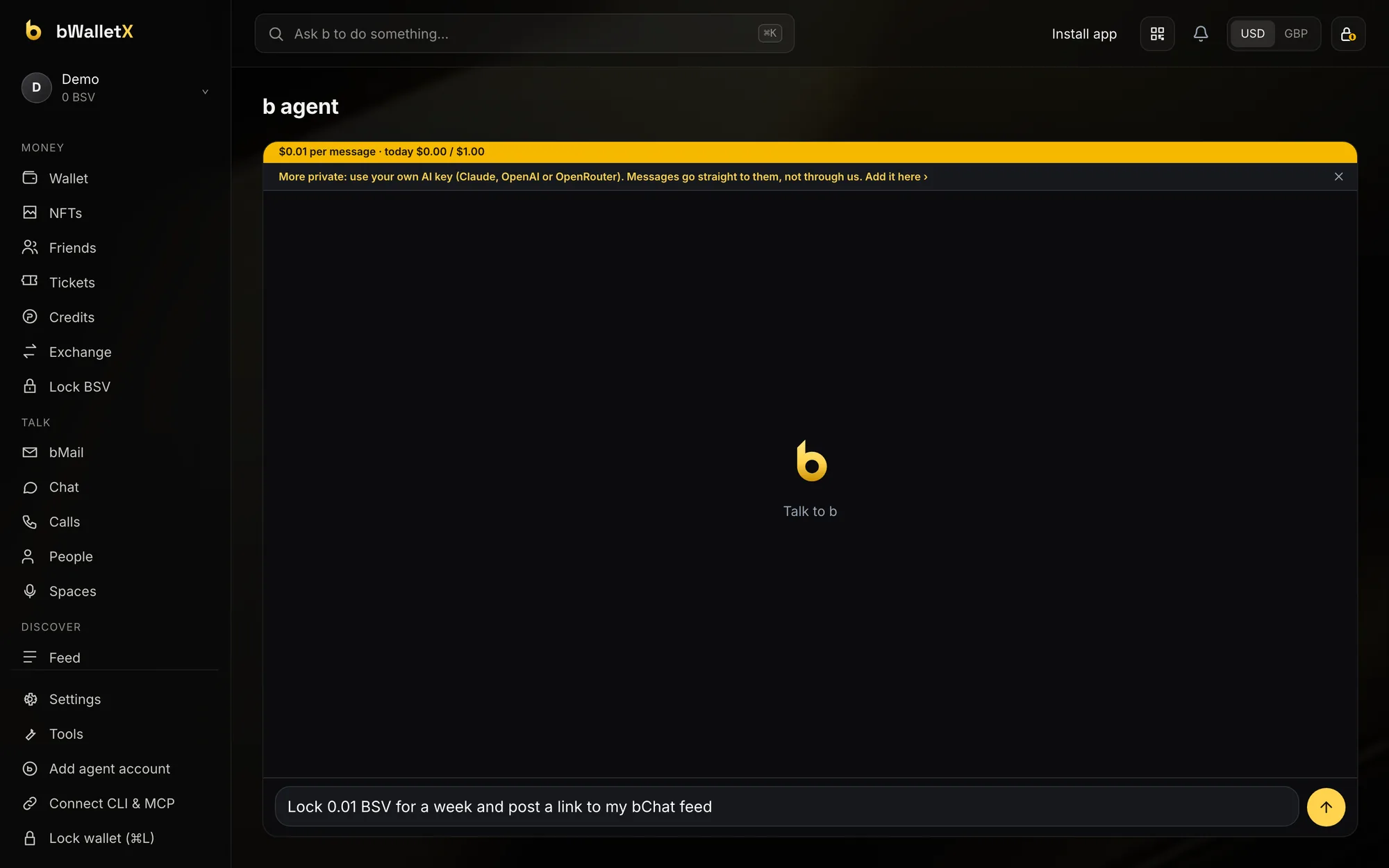
Press ⌘K. Tell b what to do.
The Ask b bar sits at the top of every screen. Press ⌘K from anywhere, say what you want in plain words, and b gets it done in your wallet. Press ⌘L to lock the wallet when you step away.
Agents & developers
Give your AI agent its own account.
From the sidebar, Add agent account gives an AI agent its own account inside your wallet. Connect CLI & MCP links the bwalletx CLI and the MCP server, so tools like Claude can use the wallet you control.
- bwalletx CLI for scripts and terminals
- MCP server for AI assistants
Install app
Open desktop.bwalletx.com and click Install app at the top, or the install icon in the address bar. It gets its own window and a dock or taskbar icon.
File › Add to Dock
In Safari, choose File › Add to Dock. bWalletX Desktop opens like any other Mac app. Nothing to download from a store.
Encrypted in your browser
Your keys are kept encrypted in the browser on your computer. Desktop is a separate site from web.bwalletx.com, so restore an existing wallet with its recovery phrase.
The wallet looks better big.
Open it now. It takes a minute to create a wallet, or restore yours with its recovery phrase.
bWalletX is in beta: test with small amounts. Questions: support@bwalletx.com