
SEEDLESS SIGN-IN
Passkey
Open your wallet with your face or fingerprint
Create a bWalletX wallet with a passkey. Your phone or computer’s own lock (Face ID, fingerprint or PIN) opens it. There is no password to invent and no 12-word phrase to write down before you start. Your 12 words are sealed with the passkey and saved as a locked recovery file you keep.
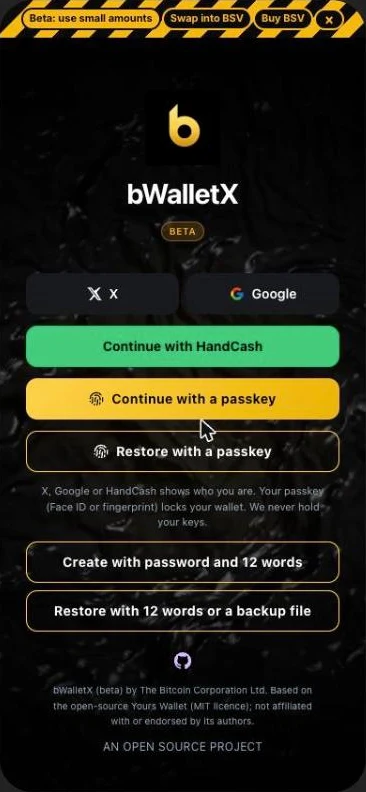
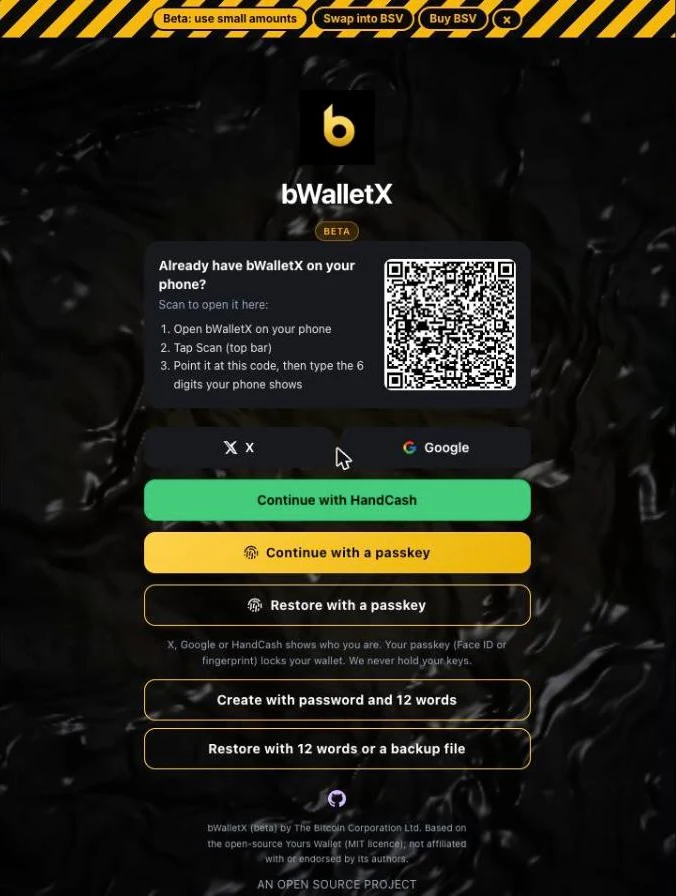
This is the sign-in screen
How it works
1. Tap Continue with a passkey
You are not asked to make a password or to copy down words.
2. Confirm with your device lock
Your phone or computer asks for Face ID, a fingerprint or its PIN. That is your device checking it is you. bWalletX never sees it.
3. Keep your recovery file
Your 12 words are sealed with your passkey and saved as a file only that passkey opens. A locked copy is also kept for you, so the same passkey can bring the wallet back on a new device.
Where it works today
Web
web.bwalletx.com, in Chrome, Safari and Android browsers.
Chrome extension
Sign in through web.bwalletx.com with your passkey; the wallet comes back into the extension.
Android download
The direct download from bwalletx.com.
iPhone
In the private build for now.
App Store and Google Play
Not in the store editions yet.
Good to know
Passkeys stay in your Apple or Google account
A passkey saved to iCloud cannot open a wallet on an Android phone, and the other way round. On a different kind of device, use your recovery file or your 12 words, or add a passkey there.
We never hold your keys
Your 12 words are locked with your passkey before they leave your device. What we store is the locked copy, which only your passkey can open.
You can still use a password and 12 words
It is the other button on the sign-in screen.
bWalletX is in beta: test with small amounts. Questions: support@bwalletx.com