
Your signature
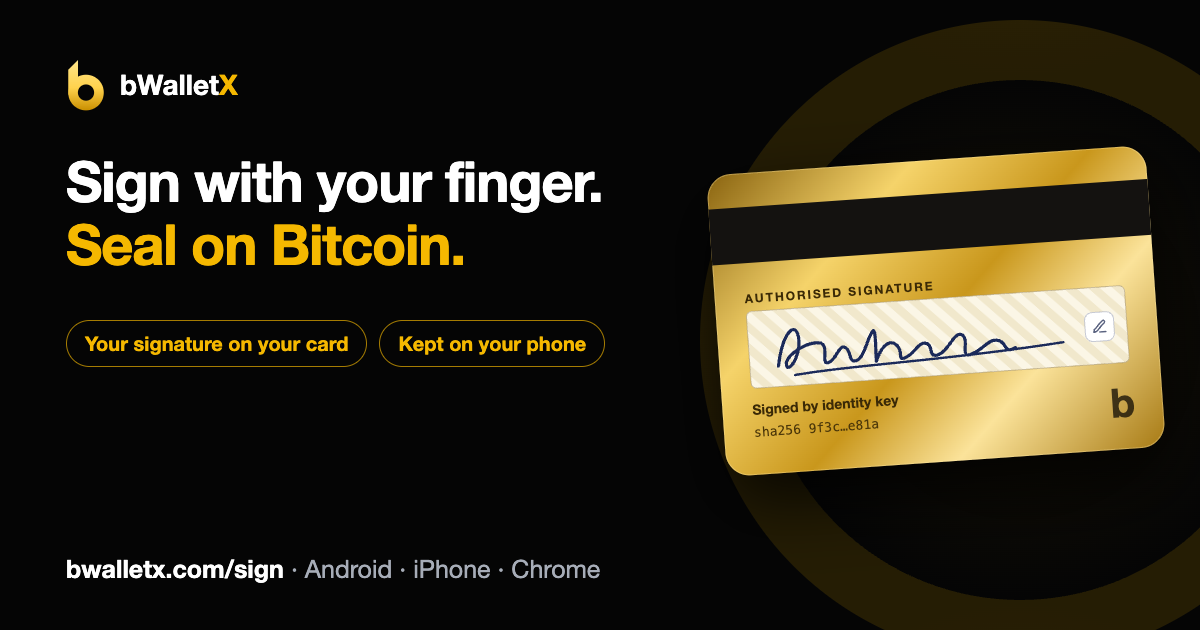
Your wallet card has a signature strip on the back, like a bank card. In bWalletX 5.1.77 you can sign it with your finger. You can now also sign contracts on bit-sign with bWalletX and seal them on Bitcoin.
Sign your card
- On the Wallet tab, tap your card to flip it over.
- On the back, under AUTHORISED SIGNATURE, tap the pen. Pressing and holding the strip works too.
- A full-screen pad opens. Sign with your finger, or with a mouse in the Chrome extension. With the phone upright, the pad turns so you sign along the length of the phone and get more room.
- Use Undo to take back the last stroke or Clear to start again, then tap Save.
Your signature now shows on the back of the card. To change it, tap the pen again and choose Redraw signature or Remove signature.
The card also turns more golden as your balance grows.
Where it's kept
On your device only
The signature is stored on the phone or computer you drew it on. It isn't sent to a server and it isn't put on-chain. bApps and websites can't read it.
One per account
Each account in your wallet has its own signature. If you have a personal and a business account, sign each one separately.
Ready for contracts
It's saved in a fixed format (one SVG path in a 1000 × 250 box) with a SHA-256 fingerprint, so the same drawing always gives the same fingerprint. That's what lets it be signed and checked later.
The signature isn't in your 12-word recovery phrase. If you restore your wallet on a new phone, sign again.
Sign and seal contracts New
bit-sign contracts (.nds.html files) have signature boxes. With Sign and seal with bWalletX on bit-sign, you:
- draw your signature into your box in the contract;
- approve in bWalletX, which signs a record of what you signed with your wallet's identity key;
- approve the seal on Bitcoin. That costs the network fee only, under a penny. bit-sign charges nothing.
Today that takes two approvals in your wallet: one to sign, one to pay. Nothing is sent until you approve. If anything interrupts after you've paid, reopen the document and bit-sign finishes the seal for you, for up to 24 hours. You never pay twice.
Coming next: one tap. bWalletX will hand over the signature from your card and show its own screen with the document title, the box you're signing, your signature and the cost, then sign and pay together.
Only fingerprints (hashes) go on-chain, never the document or your signature. Your contract stays private between the people signing it.
Anyone can check it
Anyone with a copy of the sealed contract can confirm three things: its fingerprint is on-chain, the identity key's signature is valid, and the drawn signature hasn't been changed since.
Works where you are
On a computer, through the bWalletX Chrome extension. Or pair your phone by scanning a QR code and approve there, for a contract open on your computer.
This gives you an electronic signature backed by strong evidence of who signed, what and when. Whether a particular document can be signed electronically depends on the document and the law where you are; some documents, such as wills and deeds that need a witness, can't. This page isn't legal advice.
The card signature is in bWalletX 5.1.77 and later (Android APK, Chrome extension, web and iPhone) and in bWallet, the App Store and Google Play version. Sign and seal is live on bit-sign for bWalletX users (Chrome extension or a paired phone). Questions: support@bwalletx.com